
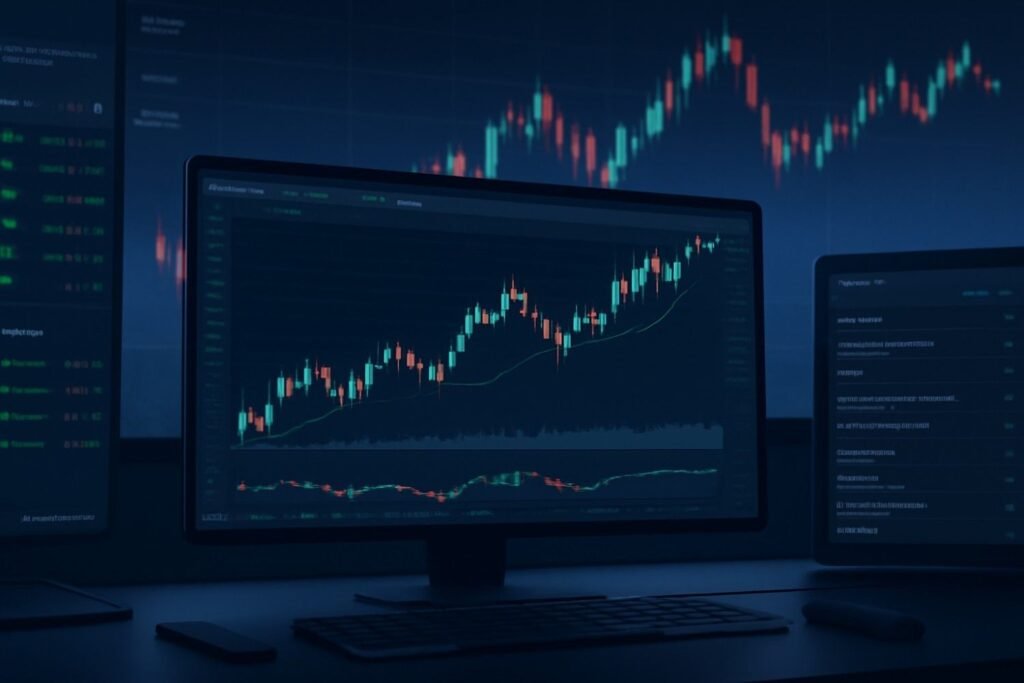
TradingView is one of the most popular charting platforms used by traders across the world for technical and fundamental market analysis. Whether you’re a beginner or an experienced trader, TradingView offers powerful tools, a user-friendly interface, and an extensive library of charting and analysis features. This platform can help you improve your trading strategies, understand market behavior, and make informed decisions.
In this article, we’ll walk you through how to effectively use TradingView for powerful market analysis, including key features, charting tools, and tips for making the most out of your analysis.
Why TradingView?
TradingView is renowned for its versatility and ease of use. It’s a cloud-based platform that can be accessed from any device with internet access. TradingView offers both free and paid versions, but even the free version provides a rich set of tools for technical and market analysis.
Key Features of TradingView:
-
Interactive Charts: Customizable charts for multiple timeframes, indicators, and chart types.
-
Real-Time Data: Access real-time data for Forex, stocks, cryptocurrencies, and other markets.
-
Social Trading Community: Share trade ideas, learn from others, and receive feedback.
-
Multi-Timeframe Analysis: View multiple timeframes at once to gain a broader market perspective.
-
Alerts: Set price alerts for key levels and indicators.
Getting Started with TradingView
1. Setting Up Your TradingView Account
To begin using TradingView, you’ll need to create an account:
-
Create an Account: Visit the TradingView website, and sign up for a free or paid account. The free version allows access to many basic features, while the paid versions provide advanced tools like more chart layouts, multiple indicators per chart, and custom alerts.
-
Choose Your Market: TradingView allows you to analyze multiple markets such as Forex, stocks, cryptocurrencies, commodities, and more. Select the market you want to analyze by entering the currency pair or asset symbol in the search bar.
-
Set Up Your Workspace: TradingView allows you to customize your workspace by adjusting chart layouts, adding technical indicators, and organizing your charting preferences. You can also choose a light or dark mode for better visualization.
2. Using the Charting Tools
TradingView’s interactive charts are one of its most powerful features. These charts can be fully customized and provide a range of tools for technical analysis.
Key Charting Features:
-
Chart Types: Choose from various chart types, such as line, bar, candlestick, Heikin Ashi, and Renko. The candlestick chart is the most popular choice among traders due to its detailed information about price movement and trends.
-
Timeframes: Select from a wide range of timeframes—from 1-minute charts for scalping to daily and weekly charts for swing and position trading. You can also set custom timeframes for more granular control over your analysis.
-
Drawing Tools: Use drawing tools to mark key levels of support and resistance, trendlines, and other important points on the chart. You can draw horizontal and vertical lines, trendlines, Fibonacci retracements, and more.
-
Multiple Charts in One View: You can add multiple charts in a single window to monitor different timeframes or different assets simultaneously. This is particularly helpful for multi-timeframe analysis.
3. Applying Technical Indicators
Indicators are essential for technical analysis. TradingView offers over 100 built-in indicators, including popular ones like moving averages, Bollinger Bands, and the Relative Strength Index (RSI). Here’s how to use them:
Key Indicators to Use:
-
Moving Averages (MA): Moving averages help identify trends and smooth out price action. You can use the Simple Moving Average (SMA) or Exponential Moving Average (EMA) to gauge the strength of a trend.
-
Relative Strength Index (RSI): RSI helps identify overbought and oversold conditions, providing insights into potential market reversals. Use it to identify when an asset is nearing a reversal.
-
MACD (Moving Average Convergence Divergence): MACD is used to identify momentum and trend changes. It’s an essential tool for spotting trend reversals.
-
Bollinger Bands: These bands help measure volatility and price action. They expand and contract with market volatility and provide valuable signals for breakouts or reversals.
How to Add Indicators:
-
On the chart, click the Indicators button at the top of the screen.
-
Search for the indicator you want to add (e.g., RSI, MACD, Moving Averages).
-
Click on the indicator, and it will be added to your chart. You can adjust the indicator’s settings by clicking on the indicator name in the chart legend.
4. Using Drawing Tools for Technical Analysis
Drawing tools are a great way to visually mark important areas on your chart. TradingView provides several drawing tools that can help you highlight support and resistance levels, channels, and other key technical points.
Key Drawing Tools:
-
Trendlines: Use trendlines to connect significant highs and lows. Trendlines are essential for identifying the direction of the market and potential breakout points.
-
Support and Resistance Levels: Draw horizontal lines to mark key support and resistance levels. These levels are critical for identifying potential entry and exit points.
-
Fibonacci Retracements: Use Fibonacci retracement levels to identify potential reversal zones based on the Fibonacci sequence. This is particularly helpful for swing traders looking to enter during a market pullback.
5. Setting Alerts for Price Movements
One of the most useful features of TradingView is the ability to set price alerts. This feature helps you stay on top of the market and get notified when an asset reaches a specific price level or when technical conditions are met.
How to Set Alerts:
-
Right-click on the chart at the price level where you want to set an alert.
-
Select Add Alert.
-
Choose the condition (e.g., “crosses up”, “crosses down”) and set the price level or other conditions.
-
Select how you want to be notified (e.g., through pop-ups, email, or SMS).
Using alerts helps you automate your trading and stay updated without needing to monitor the market constantly.
6. Social Trading and Community Ideas
One of the standout features of TradingView is its social trading community. You can interact with other traders, share trade ideas, and learn from the community. TradingView allows you to see publicly shared ideas from other traders and even copy their strategies if you find their analysis convincing.
Key Community Features:
-
Trading Ideas: Share your trade setups with the community, or view others’ ideas and insights.
-
Feedback and Collaboration: Comment on other traders’ ideas and collaborate on improving strategies.
-
Educational Content: Many traders post educational content, market insights, and trading tips that can help you expand your knowledge.
Why It’s Valuable:
Social trading on TradingView helps you learn from others, gain different perspectives, and refine your analysis techniques. It’s also a great way to stay updated with the latest market sentiment.
7. Paper Trading and Backtesting
Before you start trading live, you can use TradingView’s paper trading feature to test your strategies without risking real money. This feature simulates real market conditions and allows you to practice entering and exiting trades.
Key Features:
-
Paper Trading: Use virtual capital to execute trades in real-time market conditions, helping you practice without risking actual funds.
-
Backtesting: You can also backtest your trading strategies using historical price data to see how they would have performed in the past.
Conclusion
TradingView is an incredibly powerful tool for Forex market analysis. Whether you’re using it for technical analysis, social trading, or paper trading, TradingView offers a wide range of features that cater to traders of all experience levels. By utilizing its advanced charting capabilities, custom indicators, and interactive community, you can refine your trading strategy and gain a deeper understanding of the markets.
To get the most out of TradingView, start by customizing your workspace, applying the right indicators, and using the drawing tools to highlight key levels. Set alerts to stay informed, and engage with the social trading community for additional insights and ideas.